Matt Way Media
Tandem Study app icon
NewiPhone and iPadEducation

Tandem Study

Smart Flashcards. Learn together.

Tandem Study brings your revision cards into a simple, colourful deck. Write questions and answers yourself, or import a PDF, Word document, PowerPoint or document link and review cards drafted with on-device Apple Intelligence on compatible iPhones.

One personal deck of ten cards is free. Tandem Study Unlimited is a one-time purchase.

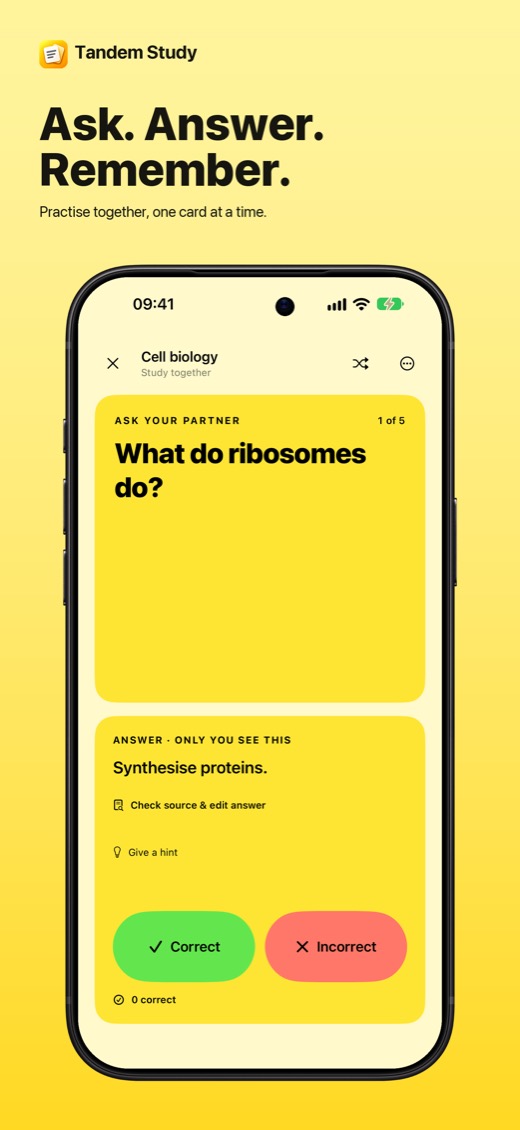
Tandem Study session showing a question, the answer panel, hint and correct and incorrect buttons
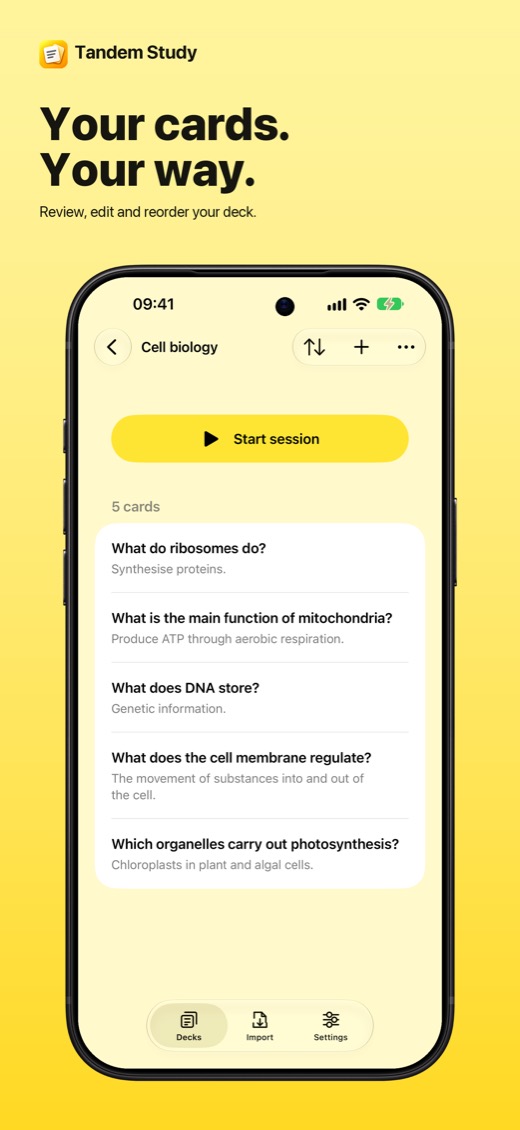
A five-card Cell biology deck with a Start session button, ready to review, edit and reorder
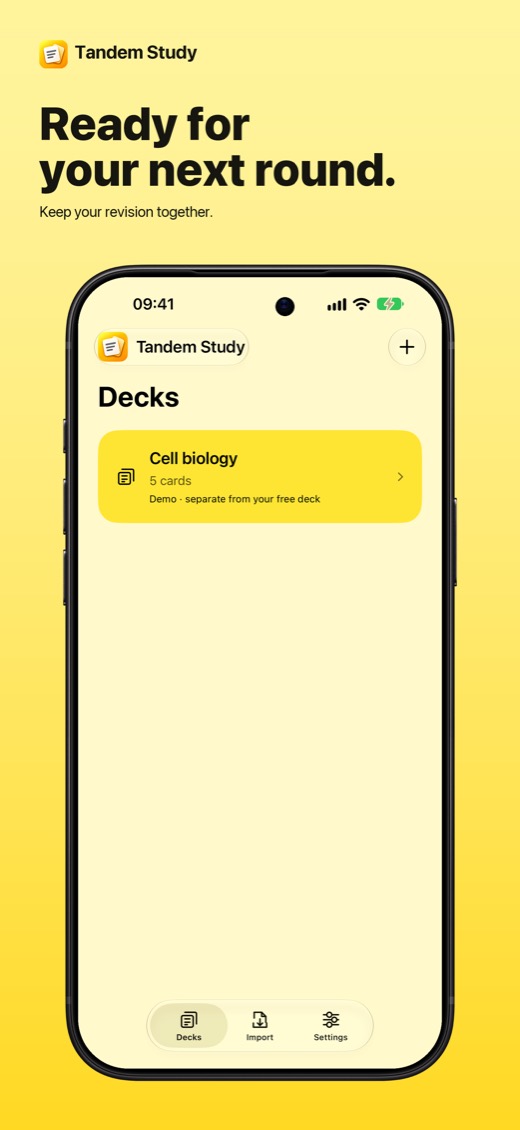
Tandem Study Decks screen showing one deck of five cards

Overview

Smart Flashcards. Learn together.

Choose a target card count, difficulty, topic and source sections. Check supporting passages, edit answers and hints, reorder your cards, then practise with a question above and the answer below. Bold colours, paper styles and accessible controls make your deck feel like a real stack of cards.

One personal deck with up to ten cards is free, with unlimited practice and editing, plus a separate biology example. Tandem Study Unlimited unlocks unlimited decks and cards with a one-time purchase. No subscription and no adverts. Your local price is shown in the app.

Released
30 October 2026
Category
Education
Works on
iPhone and iPad
Price
Free, with Unlimited
Account
None needed

Revision cards in a simple, colourful deck

Write questions and answers yourself, then practise with a question above and the answer below. Bold colours, paper styles and accessible controls make your deck feel like a real stack of cards.

  • Manual deck builder with editable questions, answers, hints and accepted alternatives
  • Question-and-answer study, missed-card practice and revision summaries
Tandem Study session showing a question, the answer panel, hint and correct and incorrect buttons

Import a document, review the cards

Import a PDF, Word document, PowerPoint or document link and review cards drafted with on-device Apple Intelligence on compatible iPhones. Choose a target card count, difficulty, topic and source sections.

  • Source evidence you can check before saving generated cards
  • Manual creation when Apple Intelligence is unavailable
A five-card Cell biology deck with a Start session button, ready to review, edit and reorder

Yours to edit, reorder and keep

Edit answers and hints, reorder your cards and recover drafts. Dynamic Type and reduced-motion options keep it comfortable to use.

  • Draft recovery, card reordering and deletion undo
  • One free personal deck of ten cards, a separate biology demo and no adverts
Tandem Study Decks screen showing one deck of five cards

Screenshots

Tandem Study on iPhone and iPad

Tandem Study session showing a question, the answer panel, hint and correct and incorrect buttons
Ask. Answer. Remember.
A five-card Cell biology deck with a Start session button, ready to review, edit and reorder
Your cards. Your way.
Tandem Study Decks screen showing one deck of five cards
Ready for your next round
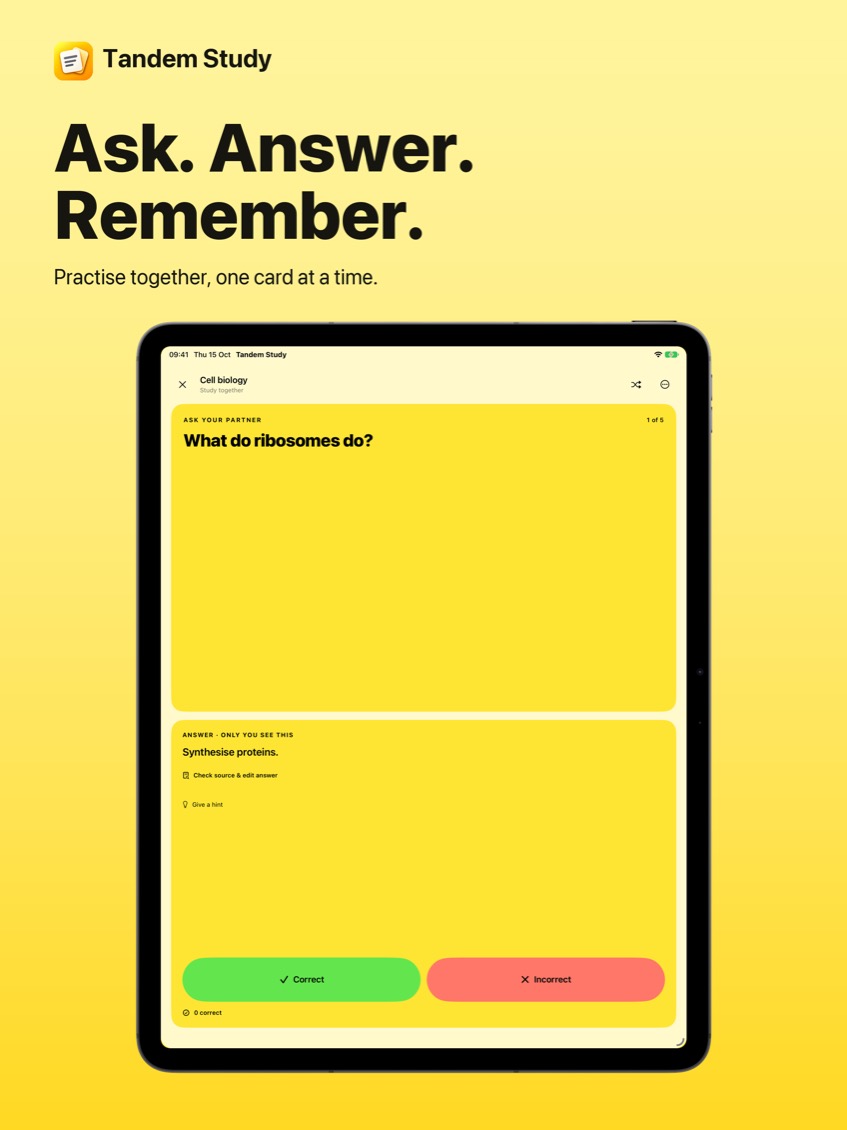
Tandem Study session on an iPad showing a question, the answer and correct and incorrect buttons
On iPad

Features

What is in it

  • Manual deck builder with editable questions, answers, hints and accepted alternatives.
  • PDF, Word, PowerPoint and direct document link import.
  • On-device Apple Intelligence on compatible iPhones; manual creation when unavailable.
  • Target card count, difficulty, topic focus and selectable document sections.
  • Source evidence you can check before saving generated cards.
  • Question-and-answer study, missed-card practice and revision summaries.
  • Bold colours, paper styles, Dynamic Type and reduced-motion options.
  • Draft recovery, card reordering and deletion undo.
  • One free personal deck of ten cards, a separate biology demo and no adverts.

Guide

How to turn a PDF into flashcards on iPhone

Making revision cards by hand takes longer than revising. Tandem Study can draft them from your own notes, then leaves you in charge of what is kept.

  1. Bring in your notes

    Import a PDF, Word document, PowerPoint or a direct document link.

  2. Choose what you want

    Set a target card count, difficulty, topic focus and which sections of the document to use.

  3. Review the draft

    On compatible iPhones, cards are drafted with on-device Apple Intelligence. Check the supporting passages and edit answers and hints before saving.

  4. Study

    Practise with a question above and the answer below, and revisit the cards you missed.

Automatic generation needs a compatible iPhone, iOS 26 or later, with Apple Intelligence enabled. Generated answers can be inaccurate, so always check them against your source. You can write and edit cards by hand without it.

Pricing

Free to start.

Free

£0

  • One personal deck of up to ten cards
  • Unlimited practice and editing
  • A separate biology example deck

Tandem Study Unlimited

One-time purchase

  • Unlimited decks and cards
  • No subscription and no adverts
  • Your local price is shown in the app

Questions

Good to know

Which files can I import?

PDF, Word and PowerPoint files, and direct document links.

Do I need Apple Intelligence?

Automatic generation uses Apple's on-device Foundation Models and needs a compatible iPhone, iOS 26 or later, Apple Intelligence enabled and the language model ready. Without it you can still create and edit cards by hand.

Is Tandem Study free?

One personal deck with up to ten cards is free, with unlimited practice and editing, plus a separate biology example. Tandem Study Unlimited unlocks unlimited decks and cards with a one-time purchase. No subscription and no adverts.

Are generated answers always right?

No. Generated answers can be inaccurate. Check the supporting passages and edit before saving.

Are my documents sent to you?

No. Source documents and drafts are not sent to Matt Way Media.

Privacy

Privacy policy

A plain-English summary of what Tandem Study does with your information. The full policy is linked below.

Local study data

Decks, questions, answers, hints, source extracts and page images, learner profiles, revision results, preferences and unfinished drafts are stored on your device. Drafts are saved after a typing pause and when you leave an editor or background the app. Source documents and drafts are not sent to Matt Way Media.

On-device generation

Automatic flashcard generation uses Apple’s on-device Foundation Models. PDF and document text extraction and scan recognition also happen on your device. Automatic generation requires a compatible iPhone, iOS 26 or later, Apple Intelligence enabled and the language model ready. Image and diagram interpretation requires iOS 27. You can create and edit cards manually when automatic generation is unavailable. Generated answers can be inaccurate; review them against the source before saving.

Optional iCloud

If you enable iCloud Drive sync, saved decks, source references and learner progress are copied to your own iCloud account to continue on your Apple devices. Unfinished editor drafts stay on the device. Matt Way Media does not operate a cloud database for Tandem Study. Apple device backups may also contain app data depending on your Apple settings.

Camera and permissions

Outer-display rehearsal on supported hardware uses an active camera session and requires camera permission. It does not record, save or upload footage. Ordinary study and manual card creation do not require camera access. Optional study reminders use local notifications. You can change camera and notification permission in iOS Settings.

No adverts or tracking

Tandem Study has no advertising, tracking or analytics SDKs and requires no Matt Way Media account. An optional one-off Unlimited purchase is handled by Apple through StoreKit. It does not renew or expire. The app verifies transaction and entitlement information to unlock features and restore purchases. Matt Way Media does not receive your payment-card details. The free allowance is one personal deck with up to ten cards, plus a separate biology demo. Editing, deletion, reordering and practice are free.

Deletion and support

Saved decks remain until you delete them. A recent deletion can be undone during the current app session; its temporary recovery copy is cleared when you dismiss Undo, replace it with another deletion or add new content. Unfinished drafts remain until you save or discard them. Deleting the app removes its local storage. Copies in iCloud Drive, device backups, exported decks or recipients’ devices must be managed separately. Turning off sync stops syncing; it does not erase existing iCloud copies. Apple retains purchase information under its policies. Email [email protected] for support.

Last updated 15 October 2026Read the full privacy policy →

Support

Need a hand with Tandem Study?

Send me a message here and I'll reply by email.

Contact support →

More from Matt Way Media

Single Take TeleprompterTiny Swords : Last StandPhoto Jigsaw: Puzzle MakerCard Score ScannerReflect Mindfulness JournalSaturday 5K Predictor for Garmin
All apps →